
Download BBX apps
BBX Trade
From your next move.
To your next trade.
Spot, futures and your assets. One focused app, wherever the market takes you.
- Spot trading
- Futures
- Asset management
BBX Trade
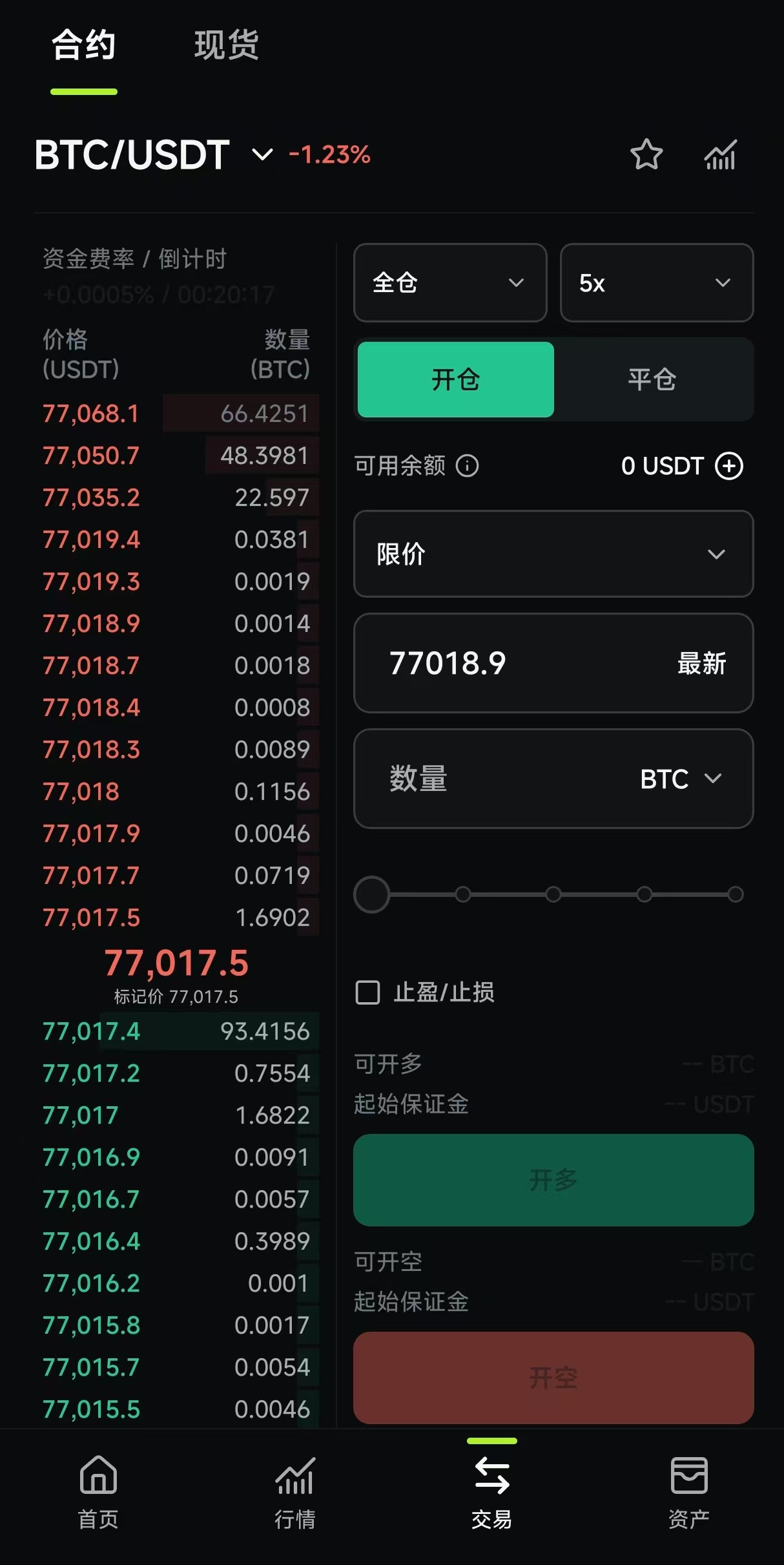
Your trading workspace, on the go.
BBX Markets
The bigger picture.
In your pocket.
Follow prices, explore market data and catch the signals that matter to you.
- MarketsCrypto, equities & ETFs
- DataWhale activity & market flows
- SignalsNews & social insights
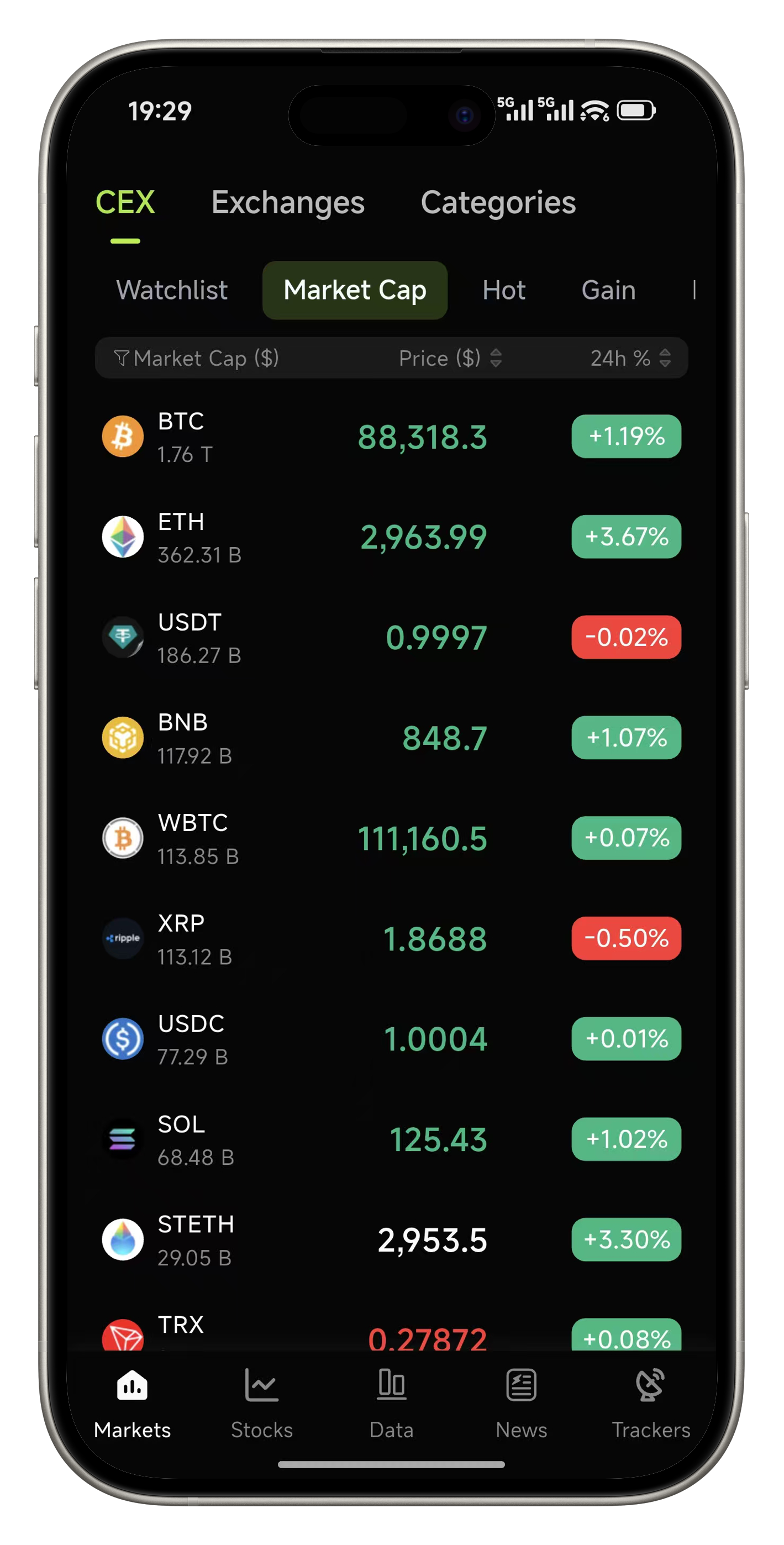
Stay close to the market.
A little help getting started.
Choose your app. We’ll help with the installation.
How do I install BBX Trade on iPhone?
- Get TestFlight from the App Store.
- Return here and open the BBX Trade TestFlight invitation.
- Accept the invitation in TestFlight, then install BBX Trade.
If the invitation is unavailable, testing may be full or paused. BBX Markets installs directly from the App Store.
How do I install the Android APK?
- Download the APK for the app you want: BBX Trade or BBX Markets.
- Open the downloaded file. If prompted, allow installation from this browser in system settings.
- Follow the system prompts to install. In an in-app browser, open this page in your regular browser first.
How do I install BBX Markets from an app store?
On iPhone, choose App Store. On Android, choose Google Play. Follow the store prompts to install BBX Markets. If you choose the Android APK instead, follow the APK installation guide.
APK installation guideWhich BBX app should I choose?
Choose BBX Trade for spot, futures and asset management. Choose BBX Markets for market tracking, data and social signals. You can install both.